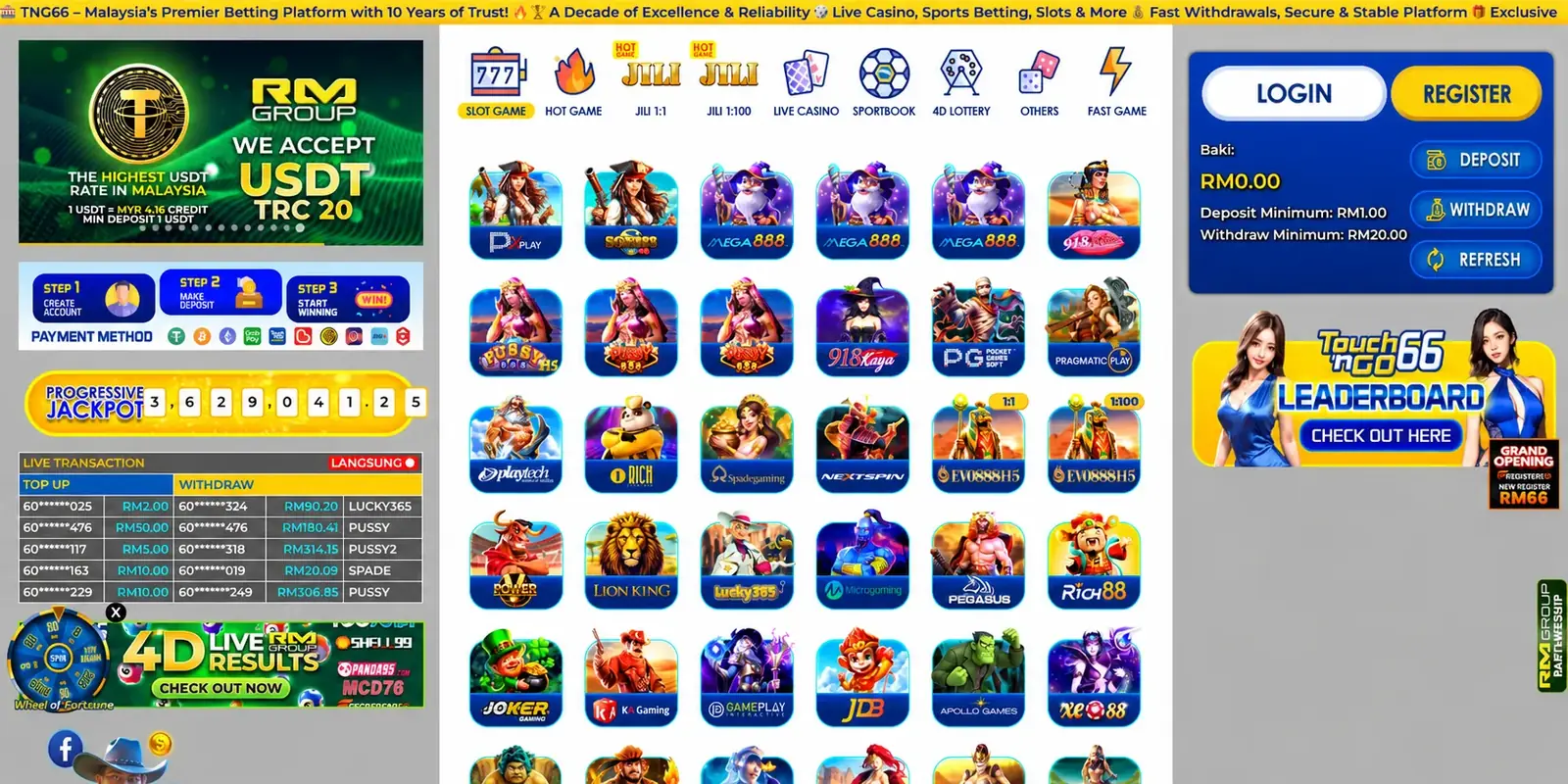
How to Register TNG66: Quick Sign-Up Guide for New Members
Learn how to register for TNG66, verify your details, secure your account, and set responsible-play limits before making a deposit.
Overview
Registration should be treated as an identity and account-security process, not just a form to complete. This guide explains what to prepare, how to avoid common verification delays, and which safeguards to activate before using the account.
Key takeaways
- Use only the official access route and check that the connection is secure.
- Enter personal and payment details exactly as they appear on your documents.
- Create a unique password, protect one-time codes, and enable extra security when offered.
- Confirm local age and gambling rules before registering.
- Set deposit and time limits before any real-money play.
Step-by-step guide
Confirm eligibility
Check the minimum legal age and rules that apply where you live. Do not attempt to bypass a location or age restriction.
Open the registration page
Use the official site rather than a link from an unsolicited message. Confirm the domain and HTTPS connection.
Enter accurate details
Provide your legal name, active mobile number, email address, and any requested account information.
Create secure credentials
Use a long, unique password and never reuse a banking, email, or social-media password.
Verify your contact details
Enter verification codes only on the official site. Staff should never ask you to disclose a password or one-time code.
Complete identity checks
Upload clear, current documents if requested. The account and payment-method names should match.
Configure limits
Set affordable deposit, loss, and session limits before funding the account.
Important tips
- Keep a copy of the terms accepted at registration.
- Do not create duplicate accounts; this can complicate verification and promotions.
- Contact official support if your details need correcting instead of opening another account.
Frequently asked questions
What information is normally needed to register?
An active phone number, email address, legal name, date of birth, and secure password are commonly requested. Additional information can be required for verification.
Is TNG66 registration free?
Creating an account is typically separate from making a deposit, but always check the current terms for any applicable requirements.
Why must I use my legal name?
Accurate details help identity and payment-ownership checks and can prevent withdrawal delays.
Can I register more than one account?
Operators commonly restrict customers to one account. Check the current account terms before proceeding.
How old must I be?
You must meet the legal gambling age and other requirements in your jurisdiction. Age rules vary by location.
Do I need to verify my phone or email?
Contact verification may be required for security, account recovery, or completing registration.
What documents may be requested?
Common checks include proof of identity, address, and payment ownership. Requirements vary by account and jurisdiction.
How long does verification take?
Timing depends on document quality, matching details, review demand, and whether more information is needed.
Why was my registration rejected?
Possible causes include incomplete details, age or location restrictions, duplicate accounts, or failed verification. Ask official support for the specific reason.
Can I change my registered details later?
Some details may be updated through support, often after an identity check. Never enter false information as a workaround.
Is a referral code required?
A referral code is not necessarily required to create an account. If using one, read its current conditions before submission.
How do I protect my new account?
Use a unique password, enable two-factor authentication if available, and never share login or one-time codes.
Should I deposit immediately after registering?
No. First review payment, bonus, withdrawal, and responsible-gaming terms, then decide whether play fits your budget.
What if I cannot receive the verification code?
Check the contact detail, signal, spam folder, and resend timer, then contact official support without sharing sensitive credentials.
Can I close the account after registration?
Account closure or self-exclusion should be available through account settings or support; consult the current responsible-gaming policy.